Kindle Scribe
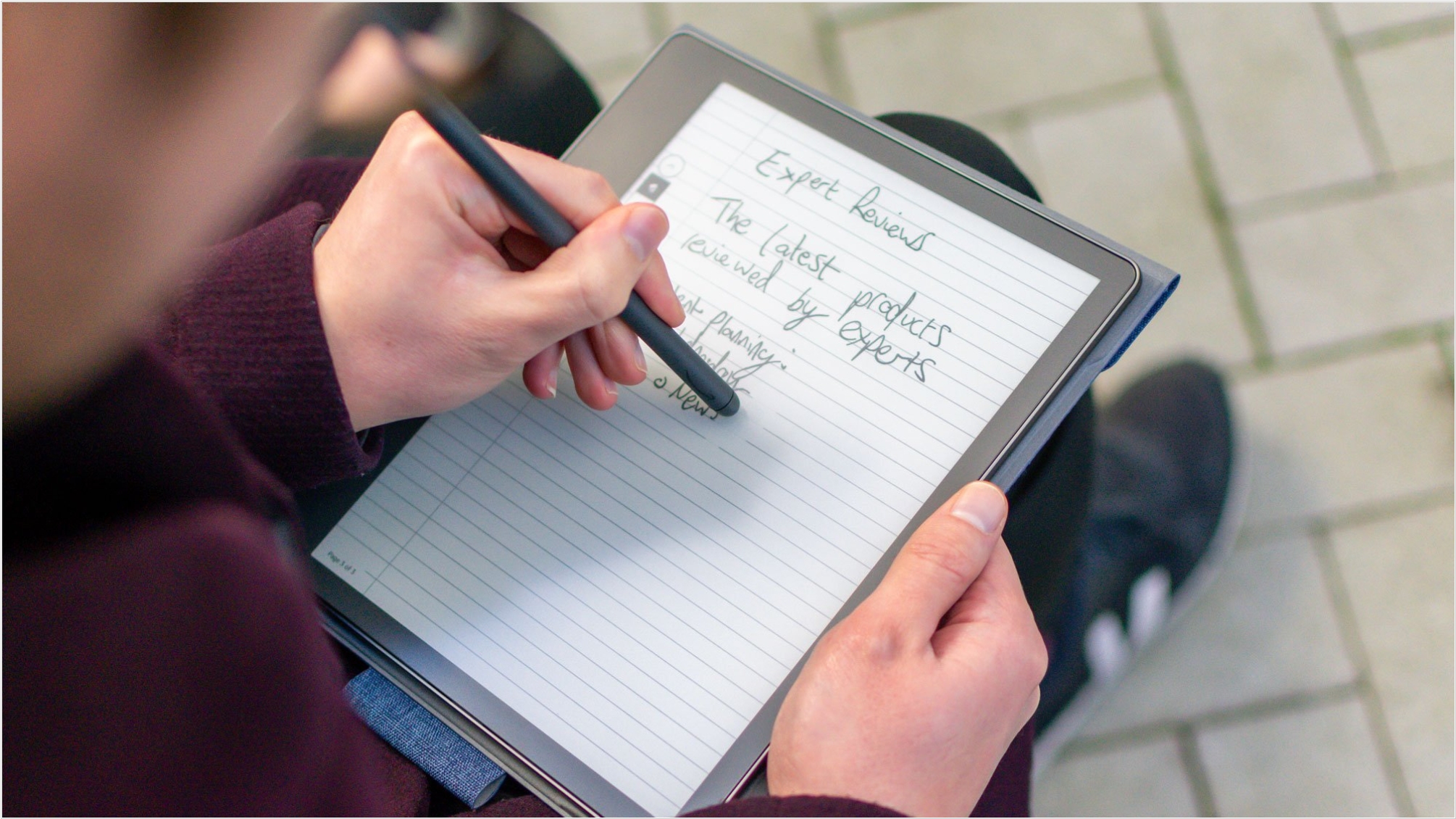
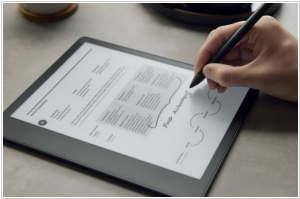
Kindle Scribe is the first Kindle for reading and writing, with a 10.2” 300 ppi Paperwhite display, includes Basic Pen. Take notes within millions of titles in the Kindle Store – Handwrite thoughts on sticky notes in your favorite book with the included Basic Pen. Notes are automatically organized by book in one place, so you can browse, review, and export them via email.
Best Kindle Scribe alternatives


Here are the latest news about Kindle Scribe:
21.06.26. Kindle Paperwhite and Scribe get AI search
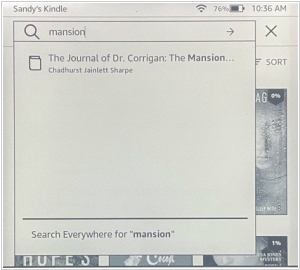
Amazon has released firmware update 5.19.4.0.1 for Kindle Scribe models: Kindle Paperwhite 12th generation, Kindle Colorsoft and Kindle 11th generation released in 2024. It introduces AI-powered search and analytics in the notebook: It makes it easier to find information—write natural-language queries and get simple AI-powered summaries based on the notebook or dive deeper with follow-up questions. You can also now use the pen to ink on images in eBooks with enhanced layouts and Word documents sent to your Kindle. Smart Shapes have also been added—draw a shape in one stroke and hold the pen down at the end to automatically align it.
2026. Kindle Scribe adds new smart shapes
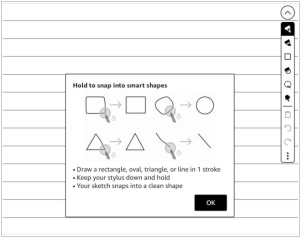
The latest update of Kindle Scribe firmware added a new "smart shapes" feature that lets you draw shapes in notebooks. You can add squares, circles, triangles, straight lines and arrows to notebooks and the program can automatically create perfect shapes from rough hand-drawn sketches if you hold the pen down for a second after drawing them. You can resize and rotate shapes, as well as copy and paste them anywhere. Five different line thickness settings are available and you can make them even thicker using a highlighter or marker. Smart shapes are only available in notebooks; they are not available when adding notes to PDFs or eBooks.
2026. Kindle Scribe supports notes in PDFs loaded via USB
Kindle Scribe now supports writing notes on PDFs downloaded via USB (this feature must first be enabled remotely through Amazon). Previously, writing on PDFs required using the "Send to Kindle" feature, which Amazon would convert and send wirelessly to Kindle Scribe. Now, you can simply download PDFs via USB. However, it appears that anything you add to a PDF on Kindle Scribe will not be viewable off-device once you download the file back to your computer.
21.06.26. Kindle Paperwhite and Scribe get AI search
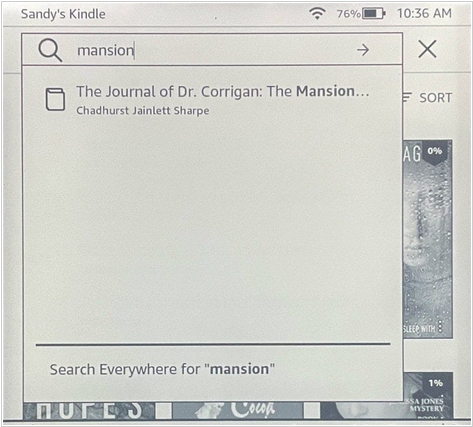
Amazon has released firmware update 5.19.4.0.1 for Kindle Scribe models: Kindle Paperwhite 12th generation, Kindle Colorsoft and Kindle 11th generation released in 2024. It introduces AI-powered search and analytics in the notebook: It makes it easier to find information—write natural-language queries and get simple AI-powered summaries based on the notebook or dive deeper with follow-up questions. You can also now use the pen to ink on images in eBooks with enhanced layouts and Word documents sent to your Kindle. Smart Shapes have also been added—draw a shape in one stroke and hold the pen down at the end to automatically align it.
2026. Kindle Scribe adds new smart shapes
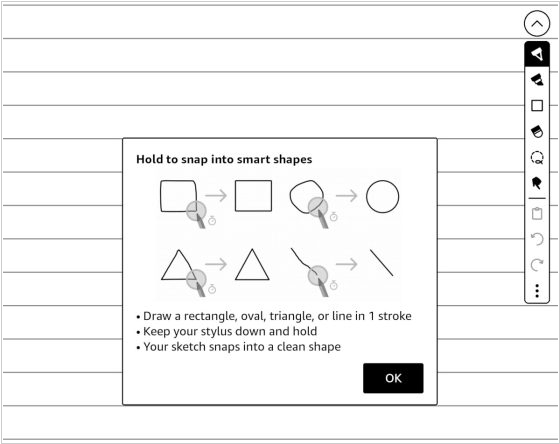
The latest update of Kindle Scribe firmware added a new "smart shapes" feature that lets you draw shapes in notebooks. You can add squares, circles, triangles, straight lines and arrows to notebooks and the program can automatically create perfect shapes from rough hand-drawn sketches if you hold the pen down for a second after drawing them. You can resize and rotate shapes, as well as copy and paste them anywhere. Five different line thickness settings are available and you can make them even thicker using a highlighter or marker. Smart shapes are only available in notebooks; they are not available when adding notes to PDFs or eBooks.
2026. Kindle Scribe supports notes in PDFs loaded via USB
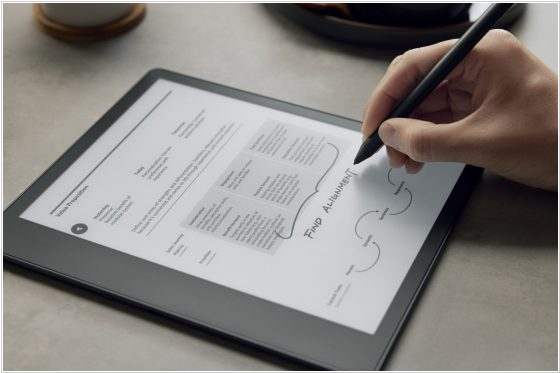
Kindle Scribe now supports writing notes on PDFs downloaded via USB (this feature must first be enabled remotely through Amazon). Previously, writing on PDFs required using the "Send to Kindle" feature, which Amazon would convert and send wirelessly to Kindle Scribe. Now, you can simply download PDFs via USB. However, it appears that anything you add to a PDF on Kindle Scribe will not be viewable off-device once you download the file back to your computer.
Add comment