FBReader


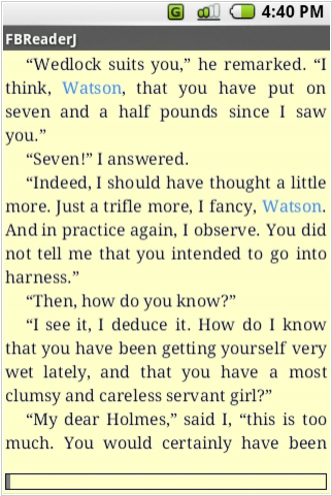
Free e-book reader that supports multiple file formats, including ePub, fb2, mobi, HTML, RTF, HTML, plain text, doc, and more. FBReader uses its own page parsing and rendering engine - very lightweight, fast and customizable. It supports embedded images, footnotes, hyperlinks, text search, full-screen reading. It also automatically creates bookmarks so you don't lose track of where you left off after closing a book. It works on iOS, Android, Windows, Mac OS, Linux, and Chrome OS. Books can be synced across devices or stored in Google Drive. For Android and iOS there are both free and paid versions. Free versions have some limitations.
Best FBReader alternatives


Here are the latest news about FBReader:
02.02.26. FBReader improved EPUB format support on desktop

FBReader has updated its desktop versions for Linux, macOS and Windows. Reliability of bookmark syncing with mobile devices has been improved, ePub support has been significantly enhanced and the interface has been translated into Esperanto. It also includes support for OPDS 2.0 and integration with the Readino bookstore. The Android app is optimized for devices with Viwoods e-ink devices, includes the same ePub support improvements as the desktop versions and fixes several long-standing issues, including a crash when editing bookmarks.
2024. FBReader for Android improves ePub support
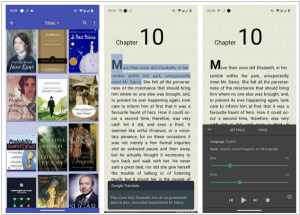
The new version of the popular reading app FBReader for Android 4.0 brings a significant change to the reader core. The developers have replaced the obsolete zip archive support with the modern libzip library. That means some ePub (and other zip files) that were not openable by FBReader will work now. On the other hand, any change in the core is potentially dangerous. Please report if you found some crashes or slowdowns with this release. Other new features include new appearance option: “Neglect screen notches”. It is helpful for devices with a wrongly detected notch, e.g., if the front camera is hidden under the screen. The app stores the correct reading per cent now. Reading progress will be shown correctly in the library. However, you have to open a book with the wrong indicator to fix it. The footer is visible over the reading-aloud panel. You can optionally switch to the old behaviour.
2022. FBReader starts a new cycle of Android updates
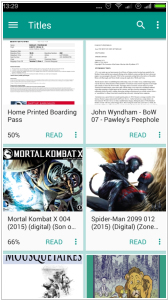
FBReader has released the first Android release since April 2021. Version 3.1 starts a new cycle of Android updates with the following features. FBReader got permission to access the filesystem on devices running Android 11 and higher. Access to all TTS engines is back in Premium Edition. Implemented support for new bookmark styles added via the desktop version; there is no way to add/remove styles on a mobile device. Buttons are visible in all dialogues. Broken Yandex Translator replaced with DeepL. The incompatible cache issue has gone: you do not need to re-open the current book anymore
02.02.26. FBReader improved EPUB format support on desktop
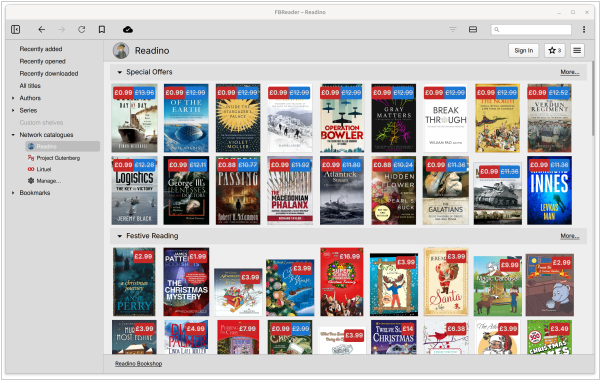
FBReader has updated its desktop versions for Linux, macOS and Windows. Reliability of bookmark syncing with mobile devices has been improved, ePub support has been significantly enhanced and the interface has been translated into Esperanto. It also includes support for OPDS 2.0 and integration with the Readino bookstore. The Android app is optimized for devices with Viwoods e-ink devices, includes the same ePub support improvements as the desktop versions and fixes several long-standing issues, including a crash when editing bookmarks.
2024. FBReader for Android improves ePub support
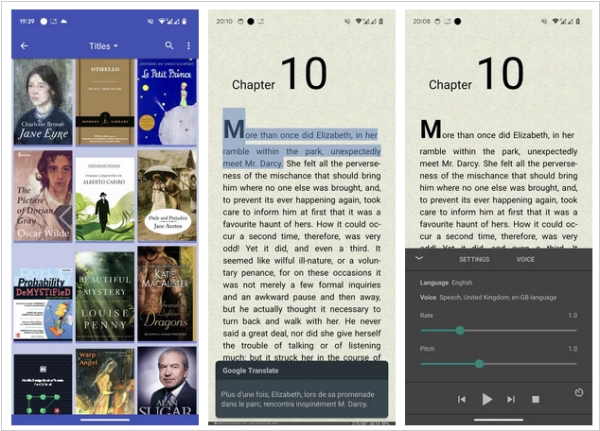
The new version of the popular reading app FBReader for Android 4.0 brings a significant change to the reader core. The developers have replaced the obsolete zip archive support with the modern libzip library. That means some ePub (and other zip files) that were not openable by FBReader will work now. On the other hand, any change in the core is potentially dangerous. Please report if you found some crashes or slowdowns with this release. Other new features include new appearance option: “Neglect screen notches”. It is helpful for devices with a wrongly detected notch, e.g., if the front camera is hidden under the screen. The app stores the correct reading per cent now. Reading progress will be shown correctly in the library. However, you have to open a book with the wrong indicator to fix it. The footer is visible over the reading-aloud panel. You can optionally switch to the old behaviour.
2022. FBReader starts a new cycle of Android updates
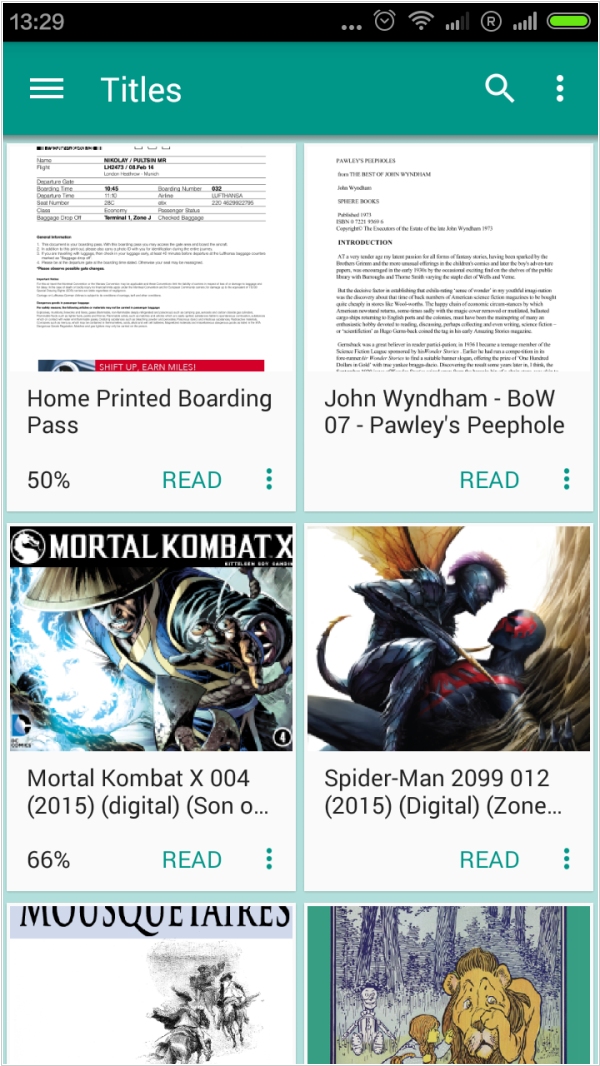
FBReader has released the first Android release since April 2021. Version 3.1 starts a new cycle of Android updates with the following features. FBReader got permission to access the filesystem on devices running Android 11 and higher. Access to all TTS engines is back in Premium Edition. Implemented support for new bookmark styles added via the desktop version; there is no way to add/remove styles on a mobile device. Buttons are visible in all dialogues. Broken Yandex Translator replaced with DeepL. The incompatible cache issue has gone: you do not need to re-open the current book anymore
Add comment
Reviews
Reads many file formats, works great on different OS's!
Reply