CoolReader vs FBReader
March 04, 2026
25

Free open-source, XML/CSS-based e-book reader for Windows and Linux. There's also mobile version for Android and some eInk devices. Supported formats include FB2, TXT, RTF, DOC, TCR, HTML, EPUB, CHM, PDB, and MOBI. The program offers numerous settings for improved reading experience. It's arguably the best reader for Linux, but on Windows, it has some issues, such as linking e-book extensions to the program so it opens when clicking on a book file.
44

Free e-book reader that supports multiple file formats, including ePub, fb2, mobi, HTML, RTF, HTML, plain text, doc, and more. FBReader uses its own page parsing and rendering engine - very lightweight, fast and customizable. It supports embedded images, footnotes, hyperlinks, text search, full-screen reading. It also automatically creates bookmarks so you don't lose track of where you left off after closing a book. It works on iOS, Android, Windows, Mac OS, Linux, and Chrome OS. Books can be synced across devices or stored in Google Drive. For Android and iOS there are both free and paid versions. Free versions have some limitations.
CoolReader vs FBReader in our news:
2022. FBReader starts a new cycle of Android updates
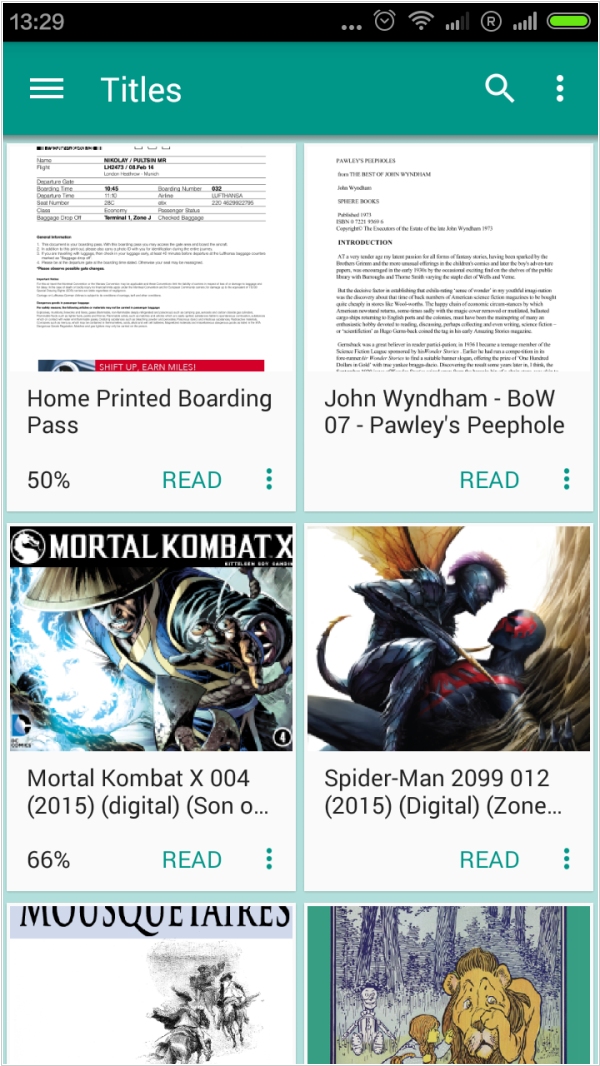
FBReader has released the first Android release since April 2021. Version 3.1 starts a new cycle of Android updates with the following features. FBReader got permission to access the filesystem on devices running Android 11 and higher. Access to all TTS engines is back in Premium Edition. Implemented support for new bookmark styles added via the desktop version; there is no way to add/remove styles on a mobile device. Buttons are visible in all dialogues. Broken Yandex Translator replaced with DeepL. The incompatible cache issue has gone: you do not need to re-open the current book anymore