Top 8 Speed-reading apps
Updated: March 29, 2026 | Editor: Maria Lin
Apps and desktop software that allow to increase/improve your reading speed
1

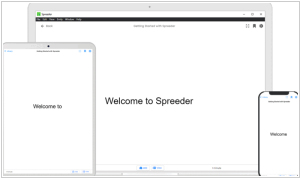
Free speed-reading app for phone, tablet and desktop, using RSVP (Reading, Scanning, Visualization, Perception) technology. It allows to dynamically increase or decrease reading speed in increments of 10 or 100 words per minute. The app features four fully customizable reading modes, making it easy to handle any type of text in any situation. Spreeder can automatically scroll the text, or you can do it manually. If you're using a laptop or tablet with a keyboard, you can quickly control Spreeder using convenient keyboard shortcuts. The app supports 52 different file and e-book formats.
2
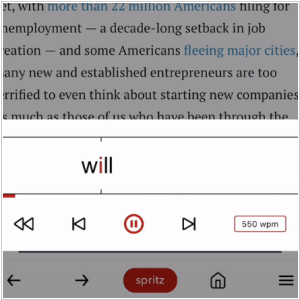
Spritz is a mobile app that displays a book (or web content) one word at a time. As you read each word, your eyes focus on the key red letter in that word, prompting your brain to quickly recognize and process its meaning. The developers say that average reader typically reads around 200 words per minute with 60% understanding, but with Spritz, people quickly reach speeds of 300 wpm or more, achieving 90% understanding. Besides, Spritz reduces eye movement while reading and reduces the number of eye-word intersections required for understanding. In addition to the mobile app, browser extension is available for reading on the desktop.
3

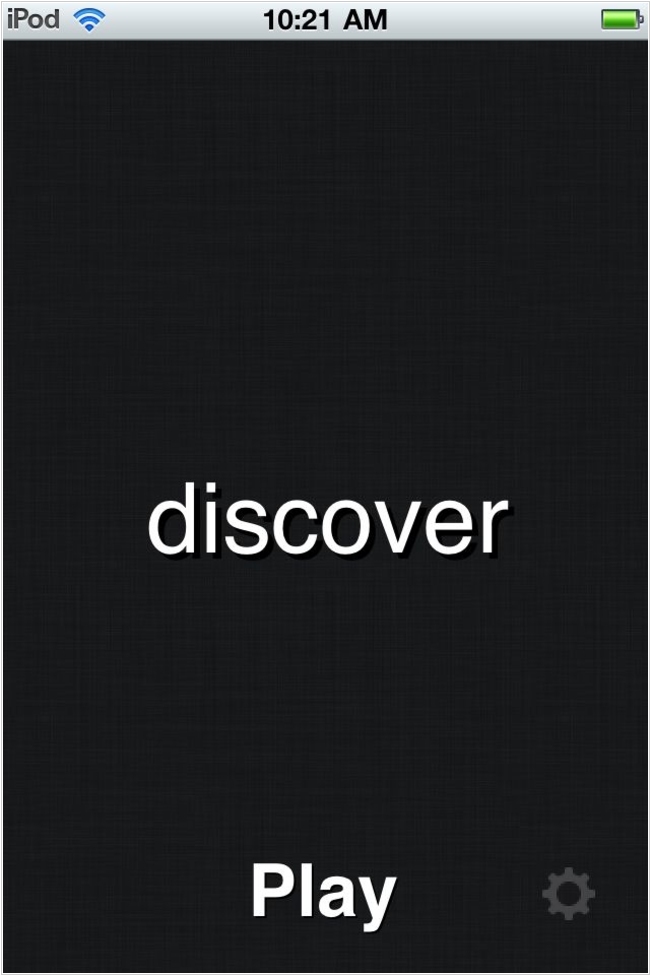
iOS app that displays words so fast your brain can't pronounce them, yet it allows you understand and remember everything you read thanks to the Received Statement (RSVP) feature. Settings include words per minute (WPM), words per second (WPS), themes, fonts, and font sizes. You can import PDF and ePub files, as well as TXT, RTF, DOC, DOCX, AZW (Amazon Kindle), ODT (OpenDocument), and MOBI documents. You can also sync articles from Pocket, Instapaper, and Dropbox directly to the app. Bookmarks allow you to resume reading right where you left off.
4
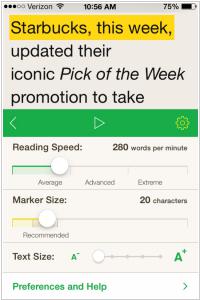
Speed-reading app for iPhone, iPad and Mac that uses Flash method, displaying only small sections of text at a time. This minimizes the time your eyes physically spend scanning the text, allowing you to focus on reading. The text-highlighting technique trains eyes to move more efficiently through the text. It creates a rhythm, reducing unnecessary jumps and distractions. The app allows to read websites, ebooks, and documents. It supports the following file types: DRM-free ePub, PDF, DOC, RTF, and TXT. It allows to sync content, reading history, and settings between your devices and integrates with Instapaper for reading online articles.
5

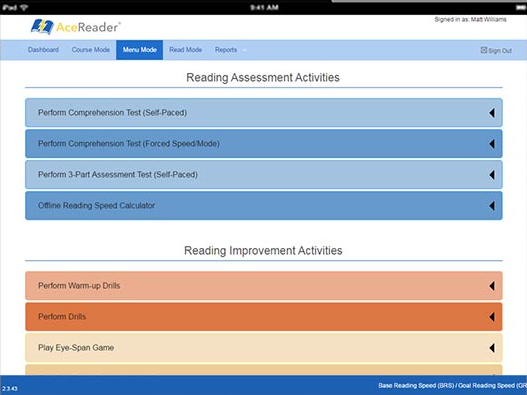
Desktop program that improves reading speed, comprehension, and fluency using a proprietary combination of pace-regulating and vision training methods. It is primarily used by schools and universities. The program is designed with the needs of teachers, and students in mind, providing a classroom application that integrates seamlessly with existing reading lessons or can be used as a supplement. A simplified Personal version is also available - it;s a web application without the administrative functions required by teachers. It includes a wide variety of leveled and themed reading comprehension tests, eye pacing drills, and fun eye exercise games.
6
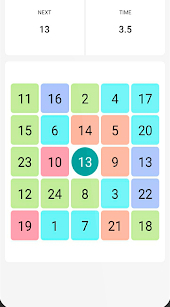
With this Android app, you can independently increase your reading speed to your desired level without expensive courses. Specially selected simulators in the app will help you quickly memorize numbers and words, improve your concentration, expand your field of vision, and significantly increase your reading speed. However, the instructions aren't always clearly written. There are free and premium versions.
7
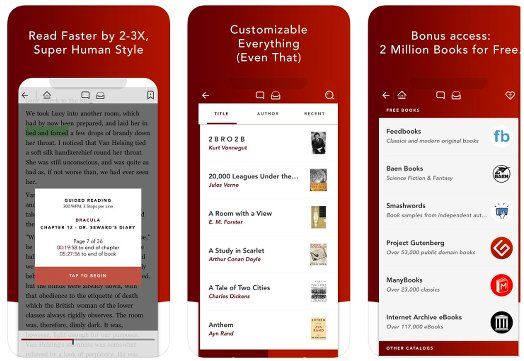
iOS app that guides and trains your eyes for speed reading. You can set your reading speed from 10 to 4,000 words per minute (with automatic page turns) and customize everything from color schemes to fonts, from margins to interface. The app also provides access to a huge collection of 2 million free books, unavailable in other speed reading apps. A free version is available (without this collection and InstaPaper integration).
8
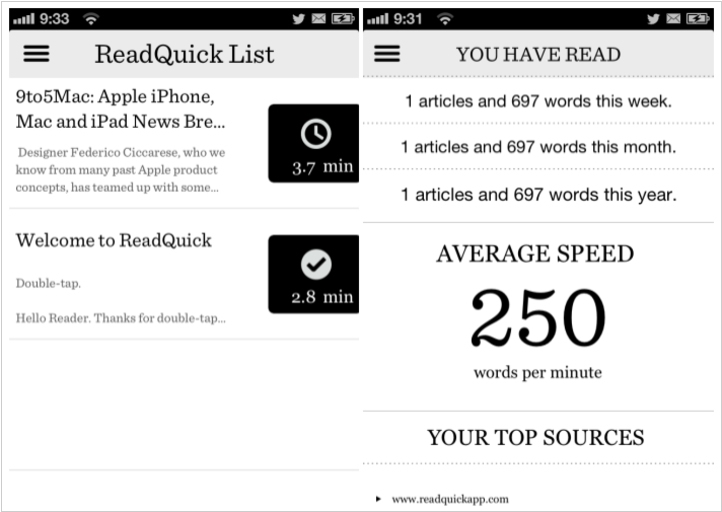
With ReadQuick you can read faster and comprehend more than you ever have before. You can use the browser within ReadQuick to navigate to any page on the Internet that you want to grab an article from. Keep track of how many words and articles you have been reading. See your speed increase overtime.
Latest news about Speed-reading apps
30.07.25. Top 5 speed-reading apps for Android and iPhone

Speed reading apps are becoming increasingly popular in today's fast-paced world. These apps allow users to read faster and absorb more information in less time. Here are the top 5 apps that will help you learn to read faster (or will break your eyes). ***
2023. Outread 2.0 adds speed-reading assistant

Outread, the popular speed-reading app, has received a major update - Outread 2.0. The app has been completely redesigned to provide users with an enhanced reading experience. In the new version, users can take advantage of a built-in continuous reading assistant that highlights words that require attention and automatically scrolls text to ensure it is centered on the page. So you can read completely hands-free. Additionally, a new reading speed test allows users to quickly assess their reading speed and comprehension (by reading a text and answering a few questions). Outread 2.0 also now automatically tags content for easier searching and adds better support for shortcuts using the new App Intents platform. Furthermore, the developers have updated the app's design, making it more user-friendly and efficient.