2025.
Reedsy Studio gets author collaboration feature
Cloud-based ebook creation platform
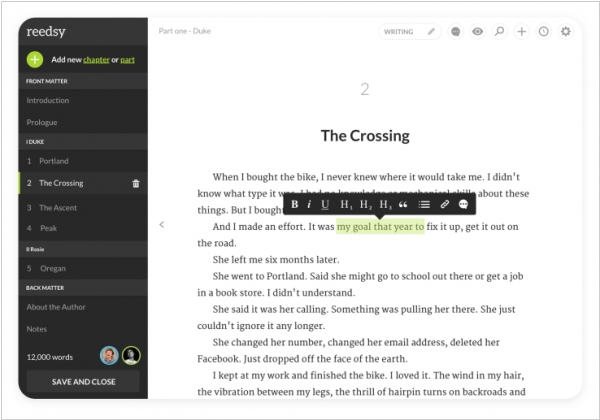
Reedsy has renamed its book editor for authors to Reedsy Studio. It now features boards for plot planning, research and world-building, now features for automating routine operations and the ability to collaborate on a book for two or several authors. You can invite your co-author, editor or proofreader to work on your book. Studio lets you view edits, respond to comments and revise in real time. The app’s core functionality (writing, formatting, collaboration) is free. The paid version starts at $4.99/month and provides advanced statistics, goal management, version history and a dark theme. The $7.99/month version includes unlimited boards and notes and structure templates.
2023.
Sigil now allows to edit Checkpoint descriptions
Free open-source EPUB editor
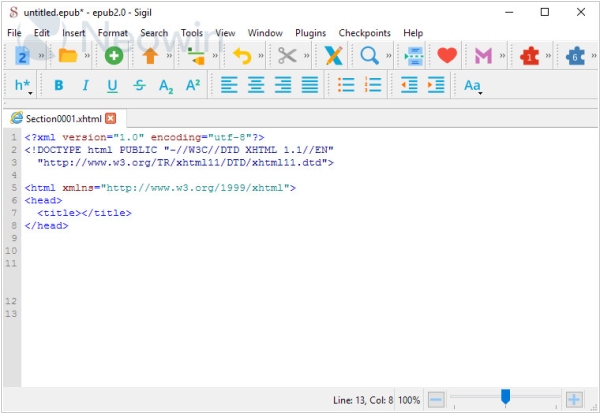
Sigil has released a new version. In this release a variety of bug fixes and new features have been introduced. The update includes the ability for users to edit Checkpoint descriptions for clarity via the Checkpoint menu and to show the Checkpoint Change Log via the same menu. The release also includes an update to Hunspell 1.7.2 for improved spellchecking and the latest version of zlib-1.2.13 for enhanced security. Additionally, Sigil has moved away from using the OS system tmp folder for storing Sigil work-in-progress files and instead created a new “workspace” folder inside the Sigil Preferences folder. Finally, the update also includes the new feature of being able to preview and print contents of Sigil's Preview window. Sigil for Linux users are notified that MathJax 3.2.2+ is now required to render MathML in Sigil’s Preview Window.
2023.
Manuskript now allows to track writing goals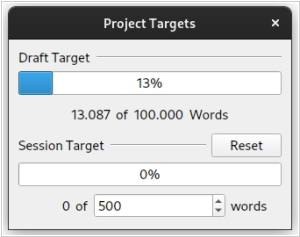
The free open-source writing tool
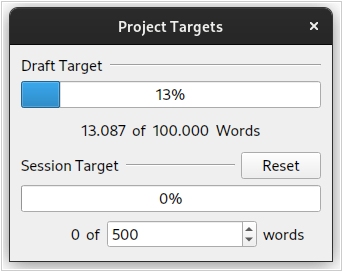
Manuskript has released version 0.15 with several new features. Users can now set a writing goal for their current session to stay on track. Additionally, users can drag and drop elements from the outline view to the editor which is simplifying working with multiple panes. The list of supported interface languages has been expanded and translations are now more consistent. Furthermore, keyboard shortcuts now work regardless of the user's language settings. The new version of Manuskript is available for Windows, Mac and Linux.
2022.
FocusWriter - distraction-free open-source writing software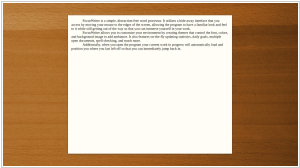 FocusWriter
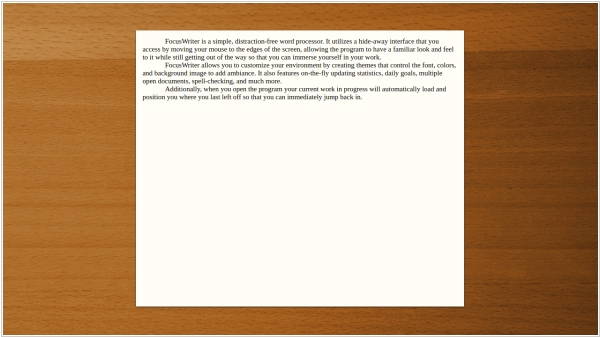
 is a writing program designed to minimize distractions and provide a simple, intuitive interface that allows writers to fully immerse themselves in their work. The program opens full-screen, hiding the operating system interface and revealing it only when hovering the mouse pointer to the edges of the screen. FocusWriter is compatible with Linux and Windows and has an optional portable mode. It supports various file formats, including TXT, basic RTF and basic ODT. Additional features such as timers, alarms, customizable themes, typewriter sound effects, real-time statistics, spell checking and daily goals make it a comfortable tool for writers. The interface is available in over 20 languages.
2021.
yWriter - free software for novel writers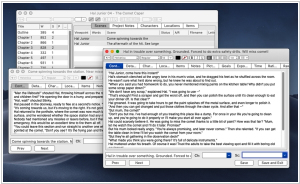 yWriter
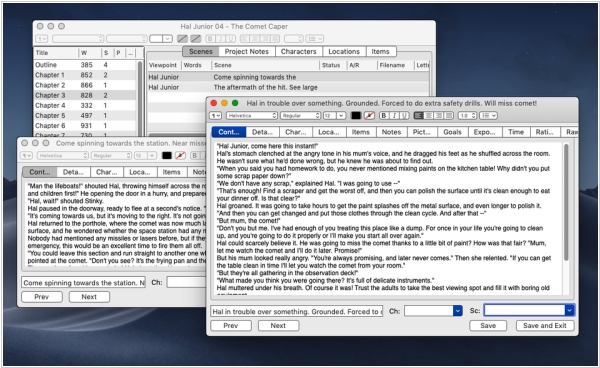
 is a useful program designed specifically for novelists. It provides a suitable and easy-to-use interface for organizing information and writing novel by chapters and scenes. It includes such features as a word count, character and location cards, scene summaries that make it easy to track your story progress. The program also allows to set goals for each session, helping you stay focused and motivated. One of yWriter's advantages is its compatibility with Dropbox that allows to save and sync their database. This means writers can easily work on their novel from different devices without worrying about losing progress. A new Android app adds an extra layer of convenience. yWriter is free to download and use, but we encourage you to register your copy if you find it useful.
2019.
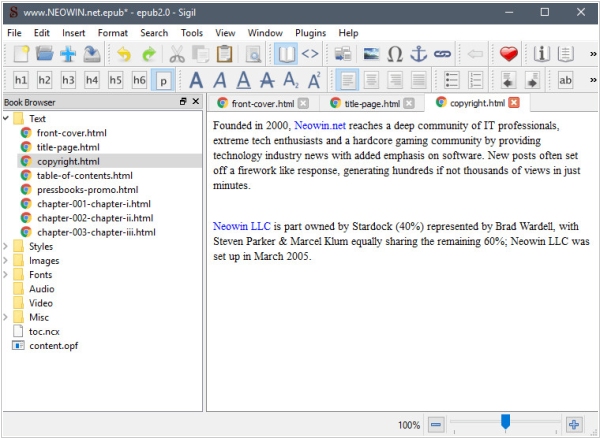
Sigil 1.0 now automatically restructures EPUBs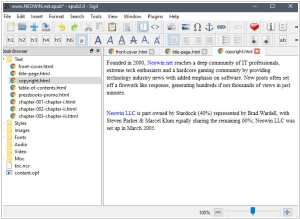
Sigil-1.0 marks a significant milestone in the history of Sigil. The requirement that all epubs be restructured to conform to Sigil's long-standing standards has finally been lifted. Upon initial loading, the existing epub structure will be loaded and preserved in its current state, without any renaming or moving. While the BookBrowser will still display the Text, Images, Styles, Fonts, Audio, Video and Misc "folders," these are now considered "virtual folders" that merely organize the existing resources by type, but do not impose any restrictions on their actual location within the epub. A new Appearance Preference has been added to the Preferences settings that will determine whether the book folder's relative path or its shorter unique name (filename) will be displayed in the BookBrowser. Regardless of the setting, the tooltips in the BookBrowser will always show the file's actual book folder relative path. To distinguish between duplicate file names in different subfolders, the longer path will always be displayed, irrespective of the new Appearance Preference.
2016.
Reedsy launched Google Docs for books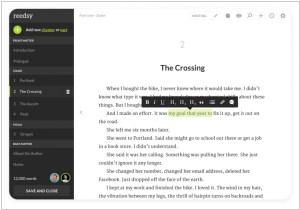 Reedsy
, the marketplace for editors, cover designers and more, has introduced a book editor designed to seamlessly collaborate with your editors and produce a final manuscript. While this isn’t the first book editor, Reedsy’s book editor focuses on collaboration. It may not be as robust as Scrivener or Ulysses, but that’s not the primary goal. You can draft your manuscript in Scrivener and then complete the editing process in Reedsy. Think of this book editor as a Google Docs for books. It allows you to write and edit in your browser with everything saved in real-time. Multiple people can edit simultaneously, leave comments and track changes. It eliminates the cumbersome back-and-forth process associated with Word documents and confusing file names.