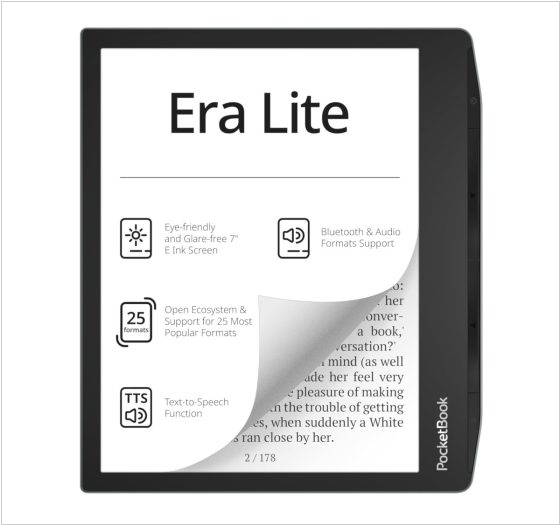
Kindle Scribe vs Kobo Libra Colour
December 08, 2025
12

Kindle Scribe is the first Kindle for reading and writing, with a 10.2” 300 ppi Paperwhite display, includes Basic Pen. Take notes within millions of titles in the Kindle Store – Handwrite thoughts on sticky notes in your favorite book with the included Basic Pen. Notes are automatically organized by book in one place, so you can browse, review, and export them via email.
16
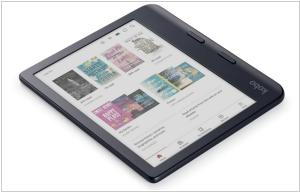
Kobo Libra Color features a 7-inch E Ink Kaleido 3 color display with an anti-glare coating. It beautifully displays book covers, comics, graphic novels, illustrations and notes. At night the ComfortLight PRO feature automatically reduces blue light levels. The device has an ergonomic, water-proof case with page-turn buttons. The screen can be used in landscape orientation. The e-reader is compatible with the Kobo Stylus 2 stylus (sold separately) and allows you to make colored notes on the surface of books. The device can be also used as a journal or daily planner. Notebooks are synced via the Kobo cloud, Dropbox, or Google Drive.
Kindle Scribe vs Kobo Libra Colour in our news:
2026. Kindle Scribe supports notes in PDFs loaded via USB
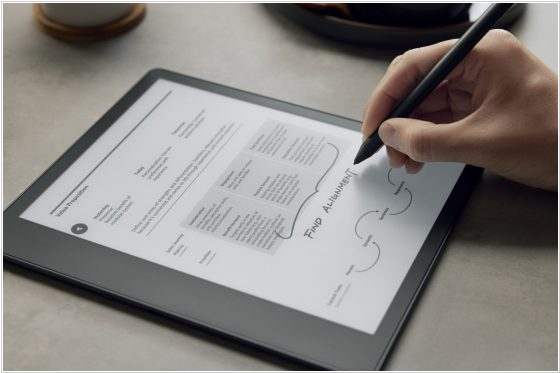
Kindle Scribe now supports writing notes on PDFs downloaded via USB (this feature must first be enabled remotely through Amazon). Previously, writing on PDFs required using the "Send to Kindle" feature, which Amazon would convert and send wirelessly to Kindle Scribe. Now, you can simply download PDFs via USB. However, it appears that anything you add to a PDF on Kindle Scribe will not be viewable off-device once you download the file back to your computer.
2026. Kindle Scribe gets Send to Alexa feature
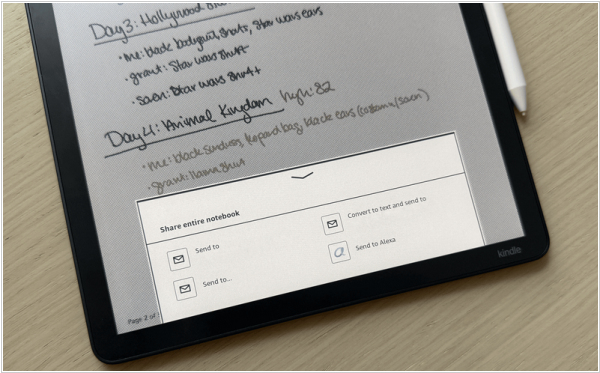
Colorsoft Kindle Scribe and Kindle Scribe are getting "Send to Alexa" feature that lets you easily send notebooks and documents from your e-reader to Alexa+ to help you brainstorm, summarize notes or bring ideas to life. Your notes will then be accessible on Alexa.com, the Alexa app and compatible devices like the Echo. You can then ask Alexa questions like, "Alexa, what action items are in my meeting notes?" or "Alexa, summarize my boss's feedback on my presentation." Alexa can even convert your notes into to-do lists, calendar events and reminders to ensure you don't miss a beat. The new feature will be available with a firmware update released a couple of weeks ago and Amazon will roll it out remotely.
2024. Kindle software update re-introduced Book Lists
Amazon’s 10th and 11th generation Kindles (including Kindle Scribe) are receiving yet another software update 5.16.10.0.1. It transform "Your Reading Lists" section to the slightly snappier "Your Lists" where you can organize books accessible via the Samples filter in your Library. Alongside this design change the company promises performance improvements, bug fixes and "general enhancements" (whatever those might be). For those who can’t wait, the update is available for manual download from Amazon’s Kindle Software Updates page or it will come automatically in one or two weeks.