
Microsoft Edge
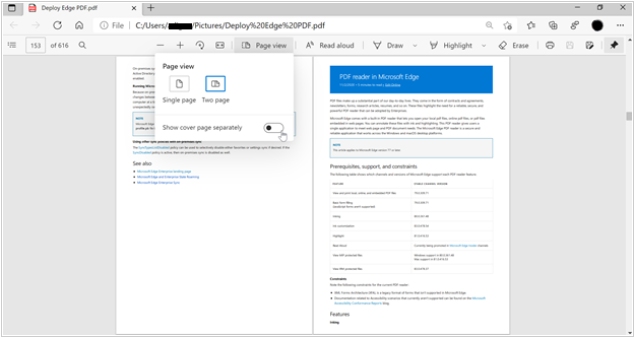
Microsoft's web browser that allows to read PDF and EPUB books.
Best Microsoft Edge alternatives


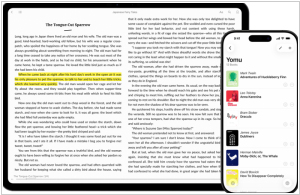


Here are the latest news about Microsoft Edge:
2023. Microsoft Edge now allows to read EPUB files
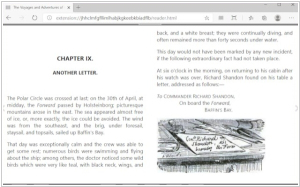
Back in 2019, Microsoft Edge stopped supporting opening eBooks with the .epub extension, but the format is now back. To access the ePub format in Microsoft Edge Canary, users will need to make some changes in the browser settings. Be sure to close the browser before enabling ePub support. Afterward, open Microsoft Edge and right-click on it. When the option menu appears, select "Properties." Next, go to the "Target" field and scroll to the bottom. Add a space and type (or copy/paste) the following: –enable-features=msEdgeEpubReaderEnabled Click "Apply" and then "OK." That's it! The ePub format has been successfully enabled in Canary ME.
2023. Microsoft Edge now allows to read EPUB files
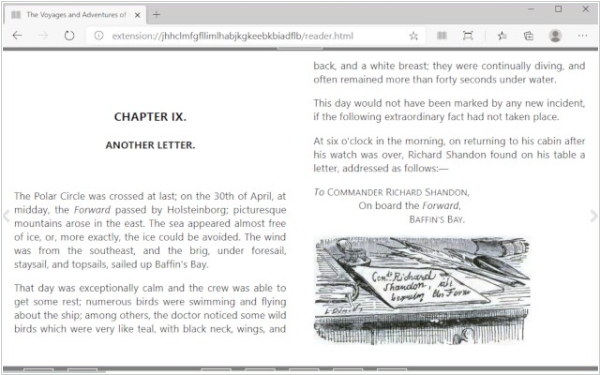
Back in 2019, Microsoft Edge stopped supporting opening eBooks with the .epub extension, but the format is now back. To access the ePub format in Microsoft Edge Canary, users will need to make some changes in the browser settings. Be sure to close the browser before enabling ePub support. Afterward, open Microsoft Edge and right-click on it. When the option menu appears, select "Properties." Next, go to the "Target" field and scroll to the bottom. Add a space and type (or copy/paste) the following: –enable-features=msEdgeEpubReaderEnabled Click "Apply" and then "OK." That's it! The ePub format has been successfully enabled in Canary ME.
Add comment
