Top 10 Comic Book Readers (CBR, CBZ readers)
Updated: March 11, 2026 | Editor: Maria Lin
These reading apps allow to open and read CBR and CBZ books. CBR and CBZ - are types of archive file for the purpose of sequential viewing of images - comic book pages. CBR uses RAR archive type, CBZ - ZIP. Comic Books are supported by some ebook readers on PC, Mac, Linux, Android and iOS tablets. There are also some free cloud services that allow to read comic books online.
1


AlfaReader is a lightweight and fast ebook reader, ideal for reading electronic magazines, student textbooks, medical, scientific, technical books, illustrated books for kids. Allows to make bookmarks, save knowledge blocks, add comments, download books for OPDS. Includes built-in audiobook player. Integrates with popular ebook organizer Alfa Ebooks Manager.
2


Free and open source comics/mangas media server. Allows to organize your CBZ, CBR, PDF and EPUB files in different libraries, collections or reading lists, edit metadata in ebook-files. It inludes the integrated Webreader but allows to use the Mihon extension, any OPDS reader or other integrations (Komga has REST API that allows to manage library and load books from third party apps). You can install and run Komga on a computer (as a Windows desktop app or Docker image) or NAS. If your books are stored on Google Drive, you can use Plexdrive or rclone to make them accessible to Komga.
3


Cute and simple mobile app for reading books on iOS and Android. Provides bookmarks, 3-colors highlights, interactive links and notes, dark mode, customized settings (Fonts, Fields, Text size, screen Brightness, Page scrolling, ets). Suppots text formats: EPUB, MOBI, DOC, DOCX, TXT, FB2, PRC, RTF, ODT, HTML, AZW, AZW3. Completely AD-FREE. Syncs ebooks and reading progress between devices. Free web e-reader is also available. You can upload books via iTunes, import your files from the email, web browser, cloud storages (iCloud, Google Drive, Dropbox, Yandex.Disk etc).
4

Popular Android app that lets read books offline or directly from online book sites and OPDS. It features a comfortable viewing mode with smooth scrolling, full set of visual settings: line spacing, font size, bold, italic, shadow, alpha channel, smooth edge transitions. Over 10 built-in themes, including a day/night mode switch. Various page navigation options: touchscreen, volume keys, even the camera, search, or back buttons. The free version is ad-supported, while the paid version offers TTS engine, PDF support, more beautiful backgrounds, fonts and reading themes, password protection on startup, annotation sharing, reading statistics.
5

Desktop reader that supports EPUB, MOBI, FB2 and CBR formats (DRM-protected content is not supported) and provides basic functionality for managing your digital library. Allows to read in full-screen mode, night mode, track your reading progress, use bookmarks, search inside text, adjust the font family, font size and line spacing, set the text layout to two or one page. You can add notes, search and sort notes by text or color. Copying text from books and adding notes are only available in the paid version, which also offers text-to-speech (different voices available depending on your system settings) and text translation.
6

Mobile app (Android, iOS) with an integrated bookstore (Feedbooks), which also allows you to borrow books from your local library and import your own EPUB, CBZ, or PDF files. Contains audio player. Thus, it lets you gather all your ebooks, comics and audiobooks in one place, regardless of their origin. The store contains 1.2M titles -from bestsellers to literary classics from major global and independent publishers. Books are available in English, French, German, Spanish and Italian. Aldiko can access compatible library catalogs (thanks to OPDS support), so you can browse and interact with your library's catalog.
7

Ccomic book reader able to read all comic book formats (.cbr file, .cbz, .pdf, etc..) and Manga. Designed to give you the best reading experience, Loads comic books immediately, reading is fluid and comfortable.
8


Kavita is a super-fast, self-hosted digital library that supports multiple file formats, including EPUB, PDF, comics and manga, with built-in readers (single-page, dual-page, and webtoon modes), OPDS and advanced metadata. It lets you use OIDC or built-in logins to manage users, highlight and create notes, share annotations with users on your server and export to Obsidian. You can choose interface themes, custom fonts for the EPUB reader and smart filters for the navigation/home screen. Kavita scans and analyzes metadata from filenames and ComicInfo.xml, adding external covers, descriptions, ratings and reviews (via Kavita+).
9

EBookDroid is a highly customizable document viewer for Android. EBookDroid supports the following ebook and document formats: DjVU, PDF, XPS (OpenXPS), FictionBook (fb2 and fb2.zip), Comics Book formats (cbr and cbz), plus - starting with version 2.0 - EPUB and RTF. EBookDroid 2.0 provides the following extra tools: text selection, highlighting, text notes and page notebooks, free-hand annotations, external dictionary support.
10
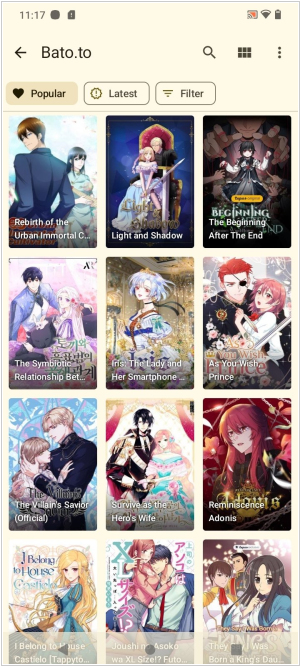
Mihon is a full-featured reader for manga, webtoons, comics, and more – easier than ever on your Android device. Allows discovery and tracking your series with MyAnimeList, AniList, Kitsu, and more.
11

GlobalComix is a free digital reading and distribution platform that helps creators and publishers share and sell their comics, license them globally and understand their readers on a deeper level.
12

SumatraPDF, also known as Sumatra, is a free and open-source software PDF reader for Microsoft Windows only. The program also opens Open XML Paper Specification, DjVu, EPUB, XPS, CHM, CBZ and CBR, and MOBI files
13

Free online service in which you can upload, preview and read your ebooks in EPUB, MOBI, AZW3, PDF, and CBR formats. Doesn't require downloading any software. Even large ebooks are rendered instantly. It provides easy book navigation thanks to a built-in thumbs pane and table of contents and full-text keyword search. It offers numerous customization options to enhance your reading experience. You can customize the font size, typeface, color scheme to make reading as comfortable as possible. You can also adjust the brightness to suit your surroundings and reduce eye strain.
14

KOReader is a document viewer for E Ink devices. Supported file formats include EPUB, PDF, DjVu, XPS, CBT, CBZ, FB2, PDB, TXT, HTML, RTF, CHM, DOC, MOBI and ZIP files. It’s available for Kindle, Kobo, PocketBook, Android and desktop Linux.
15
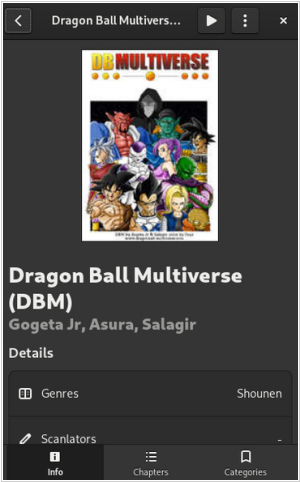
Full-featured reader that allows to discover and read manga, webtoons, comics on your Android device. It can automatically track and updates series from MyAnimeList, AniList, Kitsu and your own sources (via extension development). Multiple reading modes, custom color filters and many other reader settings.
16

Multi-functional Android app for reading books. It features automatic folder scanning and adding books to the library, bookmarks, annotations, TOC, online catalog and dictionary support, syncing between Android devices via Google Drive (reading progress, bookmarks, etc.), day and night modes, custom CSS support, "Musician mode" with adjustable scrolling speed, TTS reading, built-in media player and online format conversion. The volume control functionality, background and fonts can be customized. All collections can be viewed in a list or grid view. Books are easily identified by thumbnail covers with adjustable size and style, as well as detailed descriptions. The free version contains ads.
17
Full-featured player and reader, based on Tachiyomi Mihon. Allows to discover and watch anime on your Android device.
18

Not only an eBooks, Comics reader but also a tons-of-free-ebook-downloader, with dictionary inside for you to studies languages.
19

A simple, focused eBook reader for Linux. Read the books you love without having to worry about different format complexities like epub, pdf, mobi, cbr, etc.
20

Okular is a universal book viewer based on KPDF for KDE 4. This means Okular works on multiple platforms, including but not limited to Linux, Windows, Mac OS X, *BSD, etc. Okular combines the excellent functionalities of KPDF with the versatility of supporting different kind of documents, like PDF, Postscript, DjVu, CHM, XPS, ePub and others.
21

ComiXology has revolutionized the comic book and graphic novel industry by delivering a cloud-based digital comics platform that makes discovering, buying, and reading comics more fun than ever before. ComiXology’s reading technology transforms the comic book medium into an immersive and cinematic experience, helping comiXology become one of iTunes top 10 grossing iPad apps in both 2011 and 2012. Offering the broadest library of comic book content from the top 75 publishers, and including independent creators as well, comiXology will not stop until everyone on the face of the planet has become a comic book fan.
22

Ubooquity allows to organize and read your ebooks and comics on your favorite device, supports many types of files, with a preference for ePUB, CBZ, CBR and PDF files. Ubooquity can be installed on any OS supporting Java (Windows, Linux, Mac OS...) and on a wide range of hardware (desktop computer, server, NAS...). Ubooquity lets you create user accounts and set access rights for each shared folder.
23
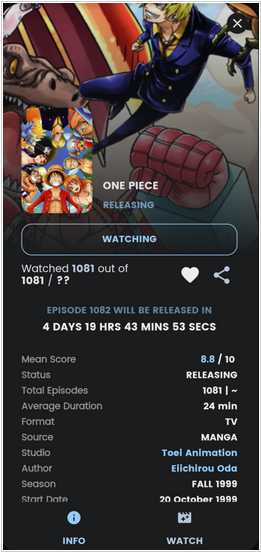
Dantotsu is an open-source Anime, Manga Android app inspired by Saikou , enhanced with Tachi/Aniyomi extensions. It integrates Aniwave for watching anime and Mangadex for reading manga seamlessly in one place.
24
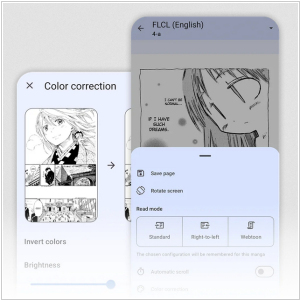
Simple and convenient open source manga reader for Android. Supports over a 1000+ sources. Supports MyAnimeList, Anilist and Shikimori. Allow to find and read manga in a customizable reader
25

ComicBookLover for Mac OS X enables comic fans to view, collect, and organize CBZ, CBR and PDF format digital comics. Other features include: browsing by cover artwork, smart lists, image adjustment for color and sharpness, and various viewing modes like single page, double page and Western or Manga mode.
26

YACReader is a comic reader and comic manager with support for cbr cbz zip rar comic files. It is available for Windows, Linux, Mac OS X.
27

Finally a comic reader for iPad done right! ComicFlow was designed with one goal in mind: providing the best experience for comic fans with large collections. Features: Polished interface, Can handle very large comic collections (1,500+ comics and dozens of GB) without crashing or becoming unusable, Imports new comics in the background, Doesn't need to pre-process comic files before you can read them, Supports .cbr, .cbz and pdf files
28
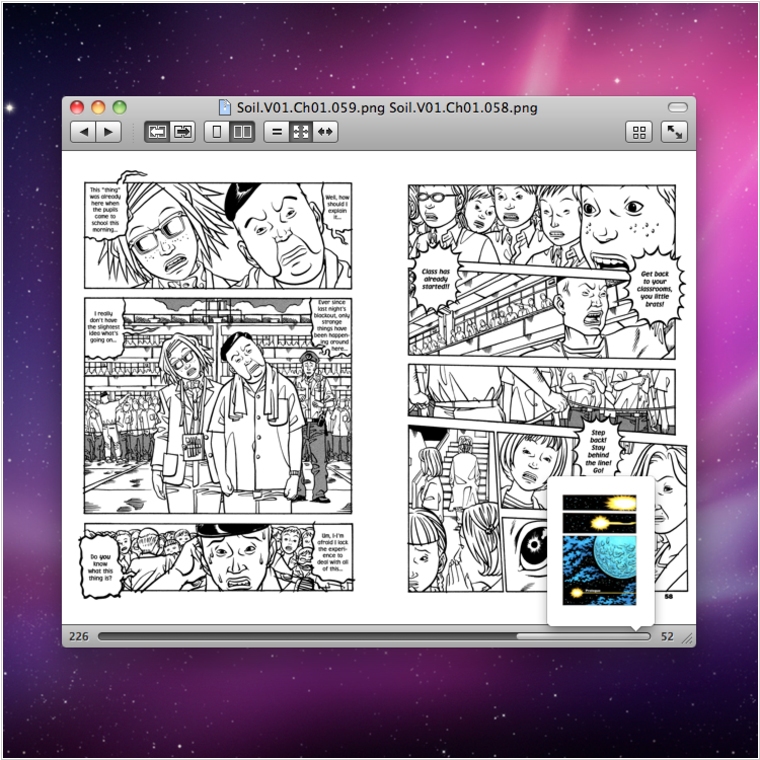
Simple Comic is the most intuitive comic reader on the Mac. Its clean interface gives you full control of your viewing experience without getting in the way. Reading comics on a computer has never been easier.
29

DC Comics is an owner of iconic comics brands (Superman, Batman, Green Lantern, Wonder Woman, The Flash) that works to unleash its stories and characters across all media, including but not limited to film, television, consumer products, home entertainment and interactive games. Publishing thousands of comic books, graphic novels and magazines each year, DC Entertainment is the largest English-language publisher of comics in the world.
30
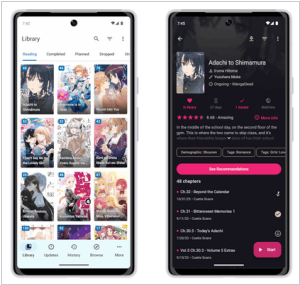
Free and open source manga reader for Android (the version of Mihon with extra features - developed by the same person). Enables online reading from a variety of sources, local reading of downloaded content. Provides configurable reader with multiple viewers, reading directions and other settings.
31
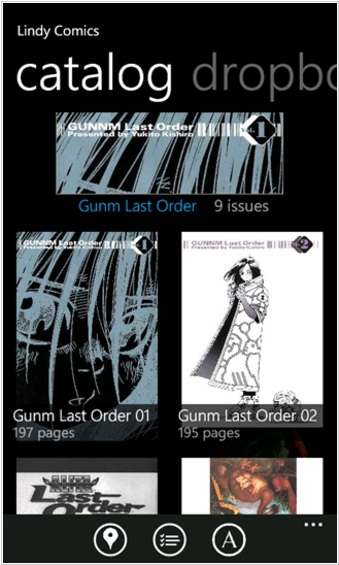
Lindy Comics is an app that lets you read your comic book files (cbr/cbz) for on your phone. You can download your comics from Dropbox! Now with thumbnails, folders, banners, this application makes it easy and pleasing to read your comics on your Windows Phone! This app has an advanced download queue that will download while you are reading. You can pan, zoom, pinch, fit to width, fit to page, and navigate through the pages. It has all the great features you know and love.
32

The Marvel Universe at your fingertips! The Marvel Comics App is packed with over 3,500 issues, as well as exclusive weekly freebies, spotlight updates, and much more—available anytime & anywhere on your iOS or Android device
33
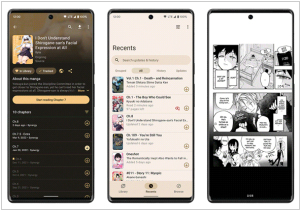
Tachiyomi fork. Contains categories to organize your library, automatic light and dark themes. Allows to schedule updating your library for new chapters, create backups locally to read offline or to cloud service
34

Android app for comic reading and organization, The original project was discontinued. Now the Community Edition is available
35

PDF, Comic Reader that supports zip, rar, cbz, cbr, pdf. Includes Folder, File Explorer, Bookmark preview, Horizontal view mode (2 pages)
36
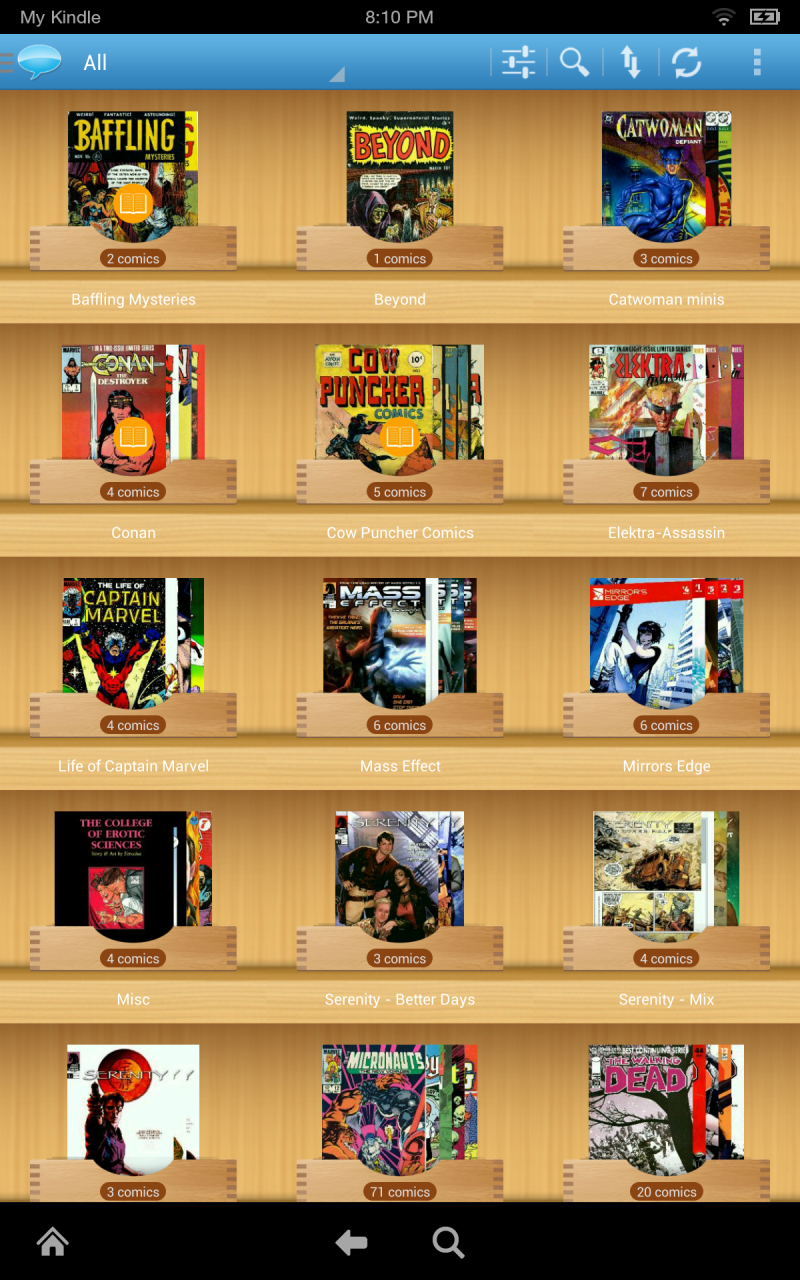
ComiCat is a fast and slick comic reader and catalog manager. You can manage and read your comic collection right on your Android.
37

ComicGlass is a comic viewer. This application allows you to view scanned comics,manga , magazines and books on iPhone/iPod touch/iPad. You can easily transfer scanned images(ZIP,RAR,PDF) from your computer to your iPhone/iPod touch/iPad, and view zip-files without decompressing.
38

Web application for archival and reading of manga/doujinshi. Lightweight and Docker-ready for NAS/servers.
39
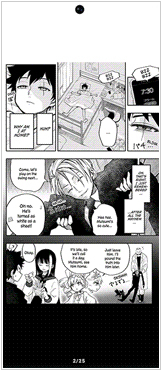
Free and open source manga reader for Android. Redesigned UI (compared to Tachiyomi) Double-page layout for Tablets. Allows to group your library automatically by the tags, tracking status, source, filter SFW/NSFW content from library and sources.
40
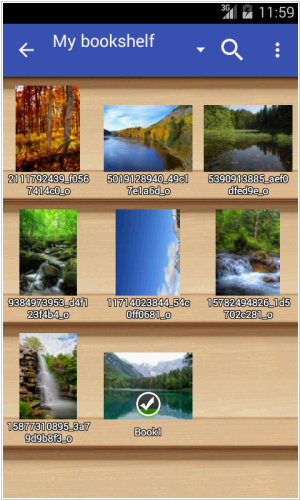
Very fast image/comics/ebook viewer. Allows to turn black/white image into 4 colorize image (Only available for donated users). Supports EPUB, HTML, TXT formats
42

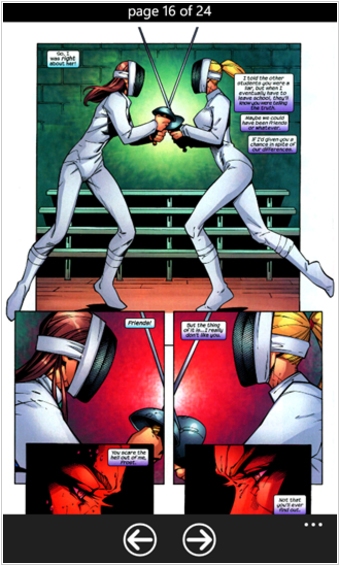
CloudReaders (TM) is a free book/comic/movie viewer, fully optimized for iPad (and now supports iPhone/iPod touch too!). It supports PDF, CBZ, ZIP, CBR, RAR, MOV, MP3, M4V, MP4 and 3GP format. It allows you to read any book/comic files in either PDF, ZIP/CBZ or RAR/CBR format transferred from your PC/Mac or downloaded from the Internet. CloudReaders also comes with a "cloud bookshelf", where you can download public domain books and comics for free (the number of books is small at this moment, but we are going to add a lot of books soon).
43
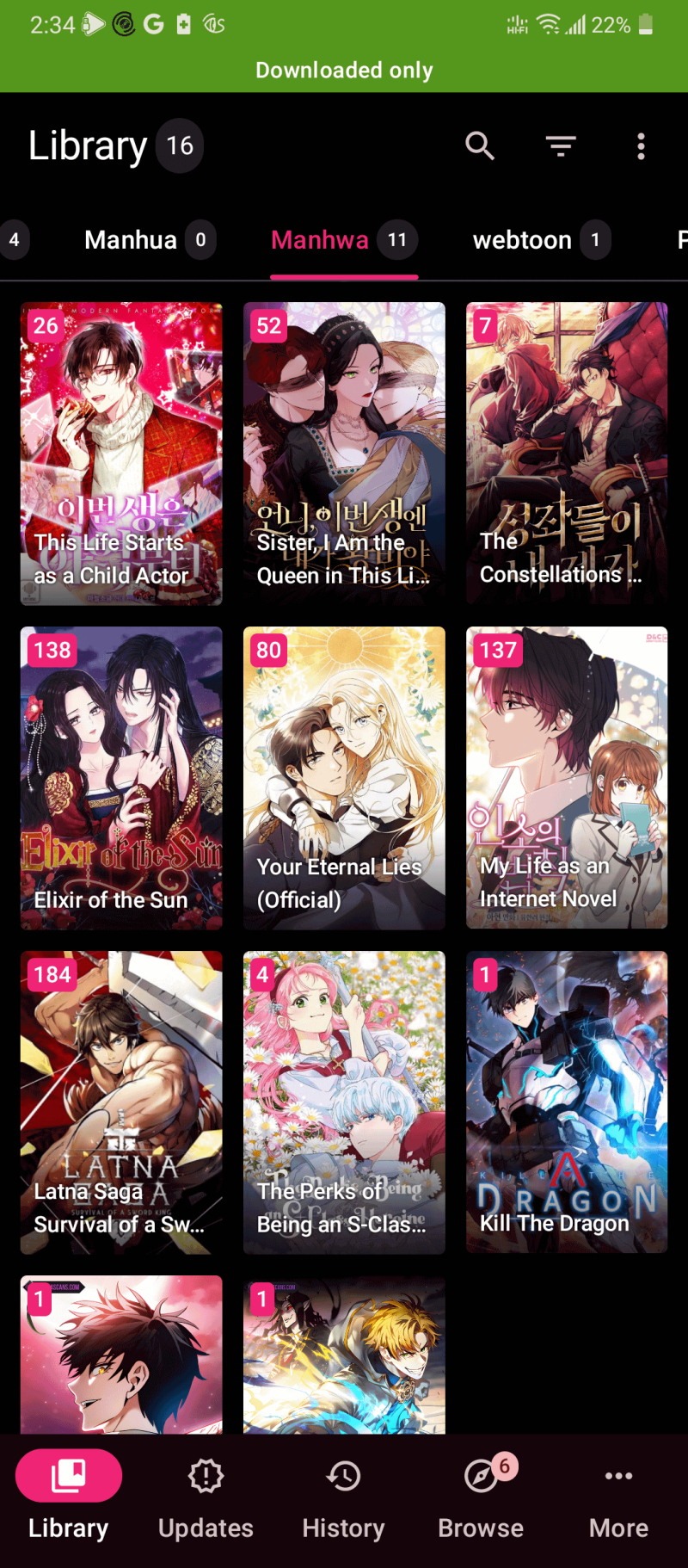
Tachiyomi is an open-source manga and comic reader application for Android devices. It allows to access manga from various online platforms, create customizable libraries to organize their manga collection based on genres, authors, or reading progress. The project is discontinued but apk can be still found on the Internet
Latest news about Comic Book Readers (CBR, CBZ readers)
11.09.25. GlobalComix added thousands of digital manga to its platform
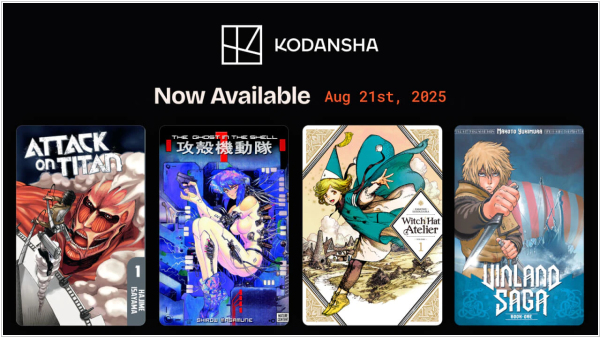
GlobalComix, one of the leading digital comics platforms (for Android and iOS), has signed a distribution deal with Kodansha, one of the most iconic Japanese manga publishers. So the manga is now available on GlobalComix platform. There are currently 6,000 volumes available, including new releases timed to coincide with the release date and an extensive catalog of past editions. Users can now read all the modern popular manga sagas, such as Attack on Titan, Witch Hat Atelier, Vinland Saga, Silent Voice, MF Ghost, That Time I Got Reincarnated as a Slime and more. And for the first time, Kodansha's Young Magazine is coming out in English for readers in the United States.
2024. Comic reader Tachiyomi is forced to discontinue
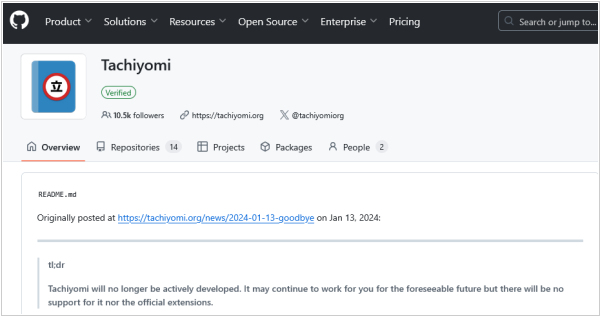
Popular comic reading app Tachiyomi is being closed. It's developer Inorichi has posted an announcement that he received a cease and desist letter from a South Korean company Kakao Entertainment, demanding him to destroy the project and all of its forks. In response of the demands, the project's core developers have announced that the core version of the app will not be under active development. The app will continue to work for for the foreseeable future but there will be no support for it nor the official extensions. All the project's repositories will be removed from GitHub.